The Spare-Bedroom Datacenter: Build a Home Lab Without Torching Your Budget
Every home lab starts with a reasonable thought. You want a place to test Proxmox, run a few containers, host your own files, and maybe learn enough networking to stop guessing. Then you see a used enterprise server on eBay for $200 with more cores and RAM than your daily driver, and the reasonable thought becomes a rack dream. That is how a spare bedroom turns into a datacenter with a spouse-approval problem.
Home labs are the new garage workshop for Linux nerds. They are where you learn by breaking things that do not page you at 3 a.m. But they are also easy to romanticize. A $200 server is not a $200 lab. It is a $200 down payment on electricity, noise, heat, and cooling.
The romance of used enterprise gear
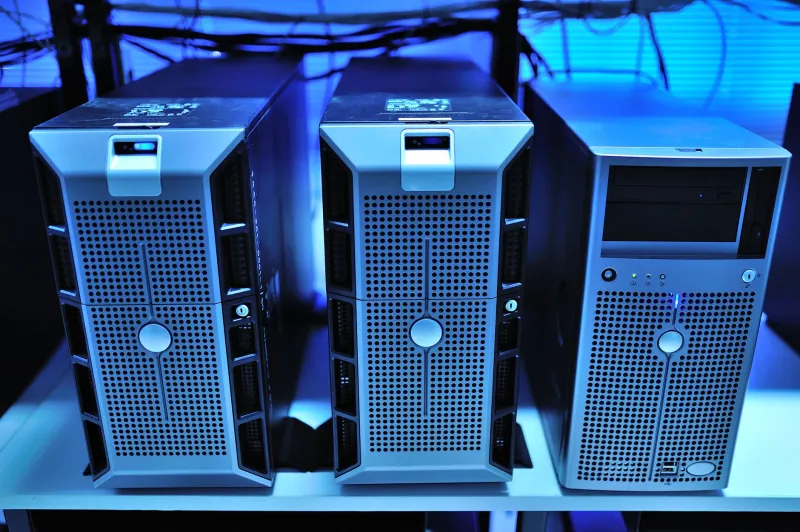
Used rack servers are tempting because the specs look absurd compared to new consumer hardware. You can find machines with dozens of cores, huge RAM capacity, and enterprise features for less than a midrange mini PC. The catch is that those machines were built for a climate-controlled room with loud fans and a power budget that someone else paid. Put one under a desk and you will hear it. Put it in a closet and you will feel it.
This does not mean used gear is bad. It means you should buy it for a reason, not because the listing has a lot of green checkmarks. A lab that idles at 150 watts is a different hobby from a lab that idles at 15 watts. Both can be legitimate. Only one is likely to survive a conversation about the household budget.
Do the math before you bid
Power draw is the number that matters most. A server pulling 150 watts continuously uses about 109.5 kilowatt-hours per month. At 17 cents per kWh, that is roughly $18.60 per month before cooling. A 300-watt setup doubles that to around $37. Add air conditioning in a warm climate and the real cost climbs again. In the US, electricity rates vary a lot by state, so run the math with your own rate instead of someone else's screenshot.
Noise is the other hidden cost. Enterprise fans are designed for airflow, not conversation. Some servers can be tuned down, but many cannot get quiet enough for a living space. Heat is the third: every watt you pull becomes heat in the room, and a small closet with no airflow becomes an oven. If you would not put a space heater there, do not put a rack server there either.
What to buy instead, or first
For most people, a small form factor PC or a used business mini PC is the smarter first lab. A machine with 32GB of RAM and a 1TB NVMe drive can run Proxmox, a handful of containers, Home Assistant, a file server, and a few test VMs without drama. It will idle in the single digits or low teens of watts, and it will be quiet enough to keep in a room where people live. A Raspberry Pi cluster is fun for learning, but it is not a storage server and it will not replace a real virtualization host.
If you want more horsepower later, add a second small node instead of buying a rack server first. Two mini PCs give you more failure tolerance and a gentler power curve than one massive machine. If you absolutely want enterprise gear, look at tower workstations or short-depth servers that can be fan-modded, and measure the noise before it becomes permanent furniture.
Proxmox without pain
Proxmox is the default home lab hypervisor for good reason. It is Debian-based, it handles VMs and containers, and it gives you snapshots and backups without a licensing fight. Install it on a dedicated box, give it a static address, and resist the urge to put everything on one disk. Snapshots are not backups. RAID is not a backup. A second drive or a network share for backups is the difference between a learning experience and a data loss story.
Keep your first setup simple. Create one VM for Home Assistant, one container for a file share, and one throwaway VM for testing. Learn the backup job before you learn clustering. Clustering is fun, but it multiplies the ways you can confuse yourself. A single node with tested restores is more valuable than three nodes with no recovery plan.
Backups are the boring superpower
A home lab without backups is just a future post about how you lost your photos. Use the 3-2-1 idea as a target: three copies, two kinds of media, one offsite. At minimum, keep a local backup and a copy that leaves the house, whether that is cloud storage or a drive you rotate to another location. Test a restore. A backup you have never restored is a hope, not a backup.
Proxmox Backup Server is a great local target if you have a spare machine or a mini PC. For cloud, pick something that fits your budget and encrypt it. Do not let the perfect backup plan stop you from making a decent one this week.
The spouse-approval factor
This is not a joke. A home lab lives in a shared space, and shared spaces have standards. Noise, heat, cables, blinking lights, and a UPS that beeps during a storm all count. Put the lab somewhere with airflow and a door. Use a fanless mini PC for the always-on services. Keep the loud test machine on a switch or schedule it only when you are tinkering. Label the cables. Clean up the dust. The lab should not make the room worse.
A sane starter build
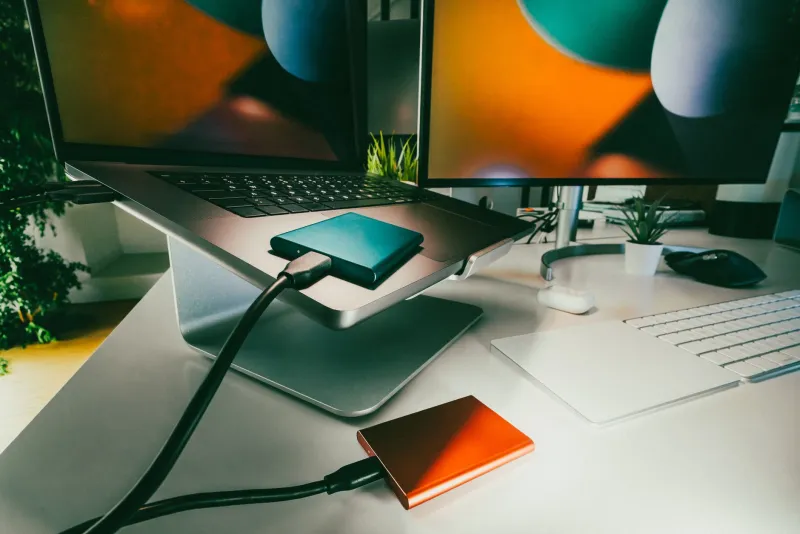
Start with one quiet mini PC, 32GB of RAM, a 1TB NVMe drive, and an external drive for backups. Install Proxmox, run a few containers, and learn the backup and restore flow. Add a second node only when you have a real reason. Skip the rack until you have a room that can handle it. Your wallet, your ears, and the person you share a home with will all thank you.
The best home lab is not the one with the most cores. It is the one you can afford to keep running.