I Spent a Month on a $60 ThinkPad So You Don't Have To — Here's What Broke, What Didn't, and What Actually Surprised Me
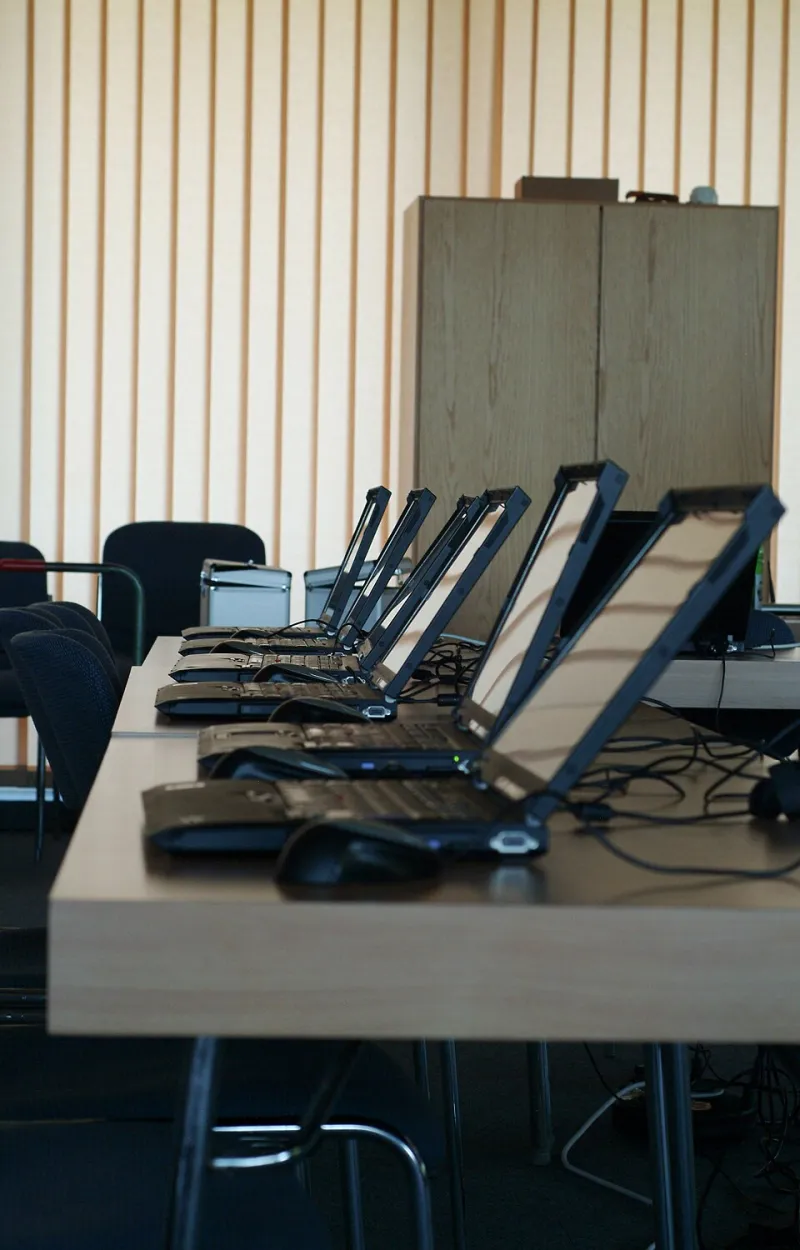
Photo: Alice Wiegand (Lyzzy), CC BY-SA 3.0, via Wikimedia Commons
The Rules of the Game
Here's the deal: one ThinkPad T440s, purchased used for $60 including shipping off eBay, running Linux as my only machine for a full month. No cheating with a beefy desktop in the background. If the ThinkPad couldn't do it, it didn't get done.
Why a decade-old ThinkPad? Because they're the single best value in used computing right now. Businesses in Chicago and Dallas are dumping them by the pallet, and refurbishers sell them for less than a night out. The T-series in particular is famous for build quality, cheap replacement parts, and — critically — excellent Linux support.
Step One: Picking the Right Distro
A 2013 machine means a fourth-generation Intel CPU, 8GB of RAM in my case (upgradable, more on that later), and a spinning rust hard drive that I immediately replaced with a $20 used 256GB SSD. If you do only one thing to an old laptop, do this. Boot times went from glacial to about fifteen seconds.
With an SSD in place, you don't need to be as radical about your distro choice. But I tested three lightweight contenders:
- Linux Mint XFCE — the friendly default. Everything just worked, including Wi-Fi, suspend, and function keys.
- Debian 12 with LXQt — leaner, snappier, but required a bit more post-install setup.
- Fedora with a trimmed-down GNOME — modern and polished, but noticeably heavier on idle RAM.
I settled on Mint XFCE for the month. Is it the most exciting choice? No. Is it the right one for a budget machine you actually need to rely on? Absolutely.
The Hardware Quirks Nobody Mentions
Every old ThinkPad has a personality. Mine had three:
The touchpad. The infamous T440s buttonless clickpad. On Windows it was universally hated; on Linux it's... fine, once you install the right drivers and enable two-finger scrolling in the settings. I ended up using a cheap USB mouse most days anyway.
The battery. The original pack was dead on arrival, holding maybe twenty minutes of charge. A third-party replacement cost $30 and now gets me roughly four hours of light browsing. Pro tip: check the battery health report in your distro's power settings before you buy replacement parts.
The screen. 1600x900 TN panel, dim and washed out. No fix for this one except lowering your expectations — or finding a model with the optional IPS upgrade when you shop.
Battery Tricks That Actually Moved the Needle
A few tweaks bought me an extra 45–60 minutes per charge:
- Install TLP (it's in every major distro's repos) and let it do its thing. Zero config, real gains.
- Turn off Bluetooth permanently — I never use it on this machine.
- Set the browser to block autoplay video. YouTube on a 2013 CPU is the single biggest battery drain and performance tax you'll face.
- Dim the screen below what feels comfortable. TN panels at 60% brightness are honestly usable indoors.
What a Decade-Old Laptop Can (and Can't) Handle
The good news: writing, email, spreadsheets, SSH sessions, code editing in VS Code or vim, video calls over Zoom, and general web browsing are all genuinely fine. LibreOffice opens instantly. Music streaming is trivial.
The honest news: modern web apps are the enemy. Google Docs and Slack each eat 500MB+ of RAM without breaking a sweat, and having fifteen Chrome tabs open turns this machine into a space heater. Firefox with tab suspension enabled helps a lot. So does closing tabs like a person who respects their hardware.
The hard news: forget video editing, modern gaming beyond retro emulators, and machine learning anything. That's not a Linux problem — that's a 2013 silicon problem.
The Verdict After Thirty Days
Would I recommend this setup as someone's only computer in 2025? For a student, a writer, a retiree, or a kid's first machine — yes, without hesitation. For a power user who lives in heavy web apps and IDEs, it'll work but you'll feel the ceiling.
Total investment: $60 for the laptop, $20 for the SSD, $30 for the battery, $12 for a RAM upgrade to 16GB. That's $122 for a machine that does 90% of what most Americans need a computer to do, running software nobody can take away from you.
The real takeaway isn't that old ThinkPads are magic. It's that the floor for usable computing keeps dropping, and Linux is the reason why. Your e-waste drawer might be one distro install away from a second life.